Best Wireless Mouse for Work (2026)
Three wireless mice that are comfortable,
reliable and easy to use every day.
These represent the clearest choices:
overall, value, and premium
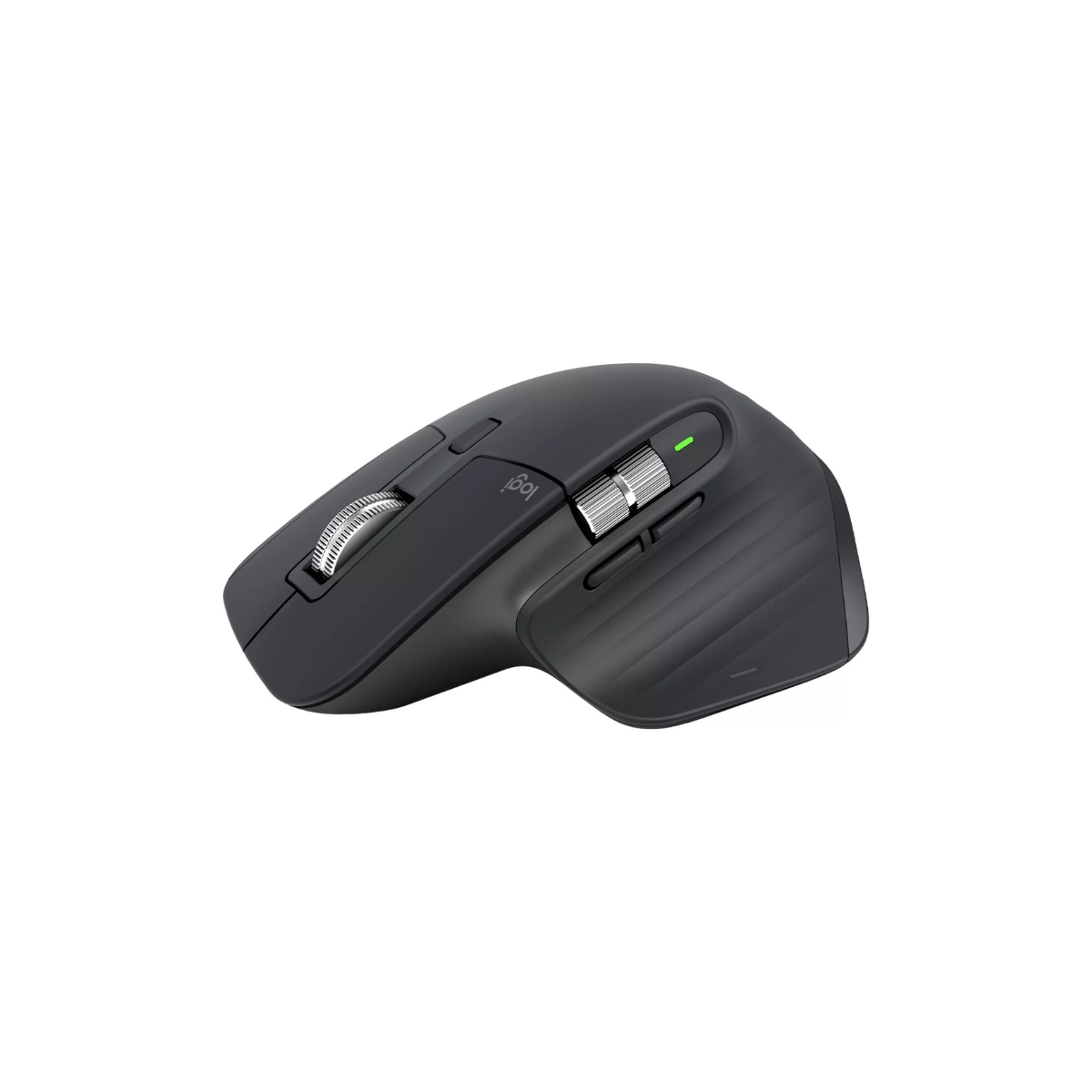
Best overall – Logitech MX Master 3S
Best value – Logitech M720 Triathlon
Best premium – Apple Magic Mouse
Treeyo reviews and updates guides periodically to reflect product changes and long term reliability.
We prioritise long-term usability and consistency over features.
Last reviewed: March 2026
Products considered: 8
If you already know you want a wireless mouse, these are the three worth considering:
BEST OVERALL
Logitech MX Master 3S
A well-balanced mouse that feels comfortable, precise and reliable across almost any setup
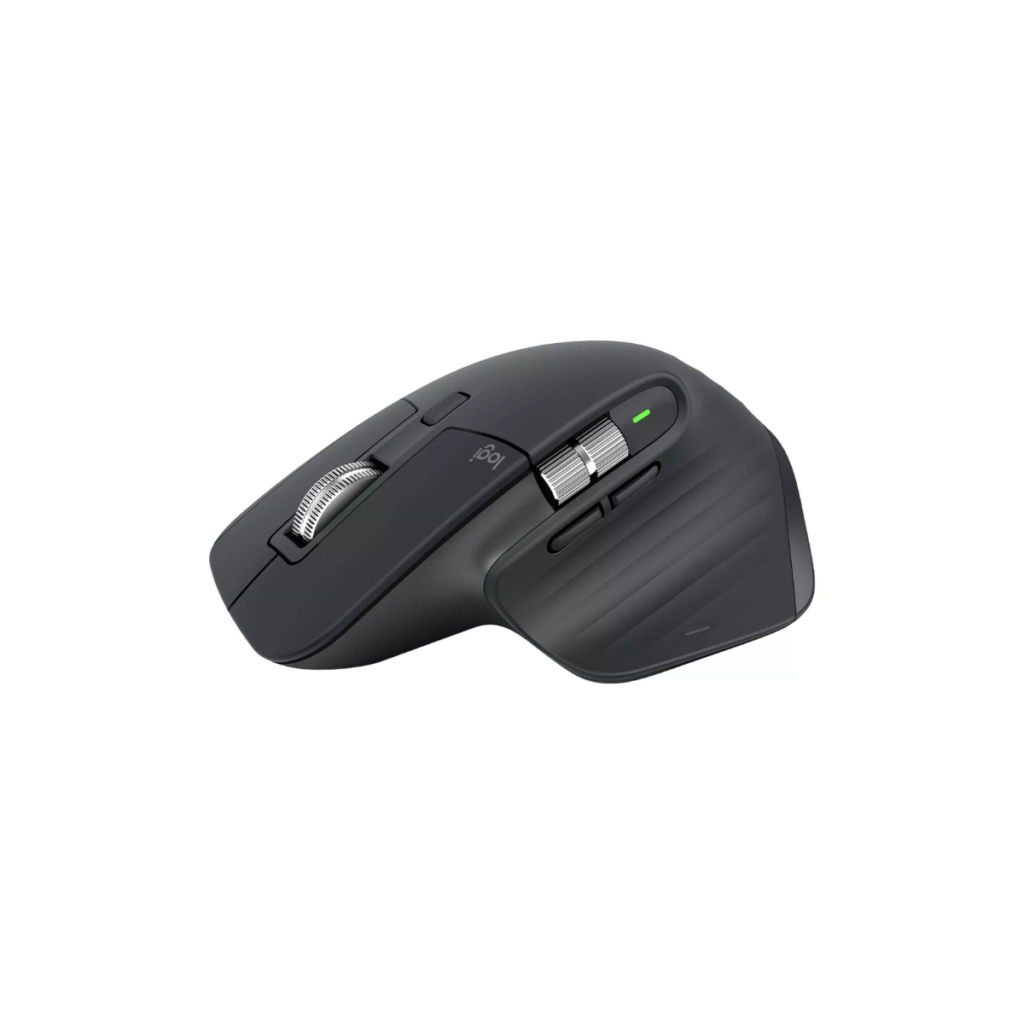
The shape is comfortable for long use, the scroll wheel is smooth and precise and switching between devices is seamless.
Best for: Everyday work, multi-device setups and people who want something that just works.
Typical price £90 – £100
Price checked March 2026
BEST VALUE
Logitech M720 Triathlon
A practical, reliable option. Covers everything most people need for everyday work
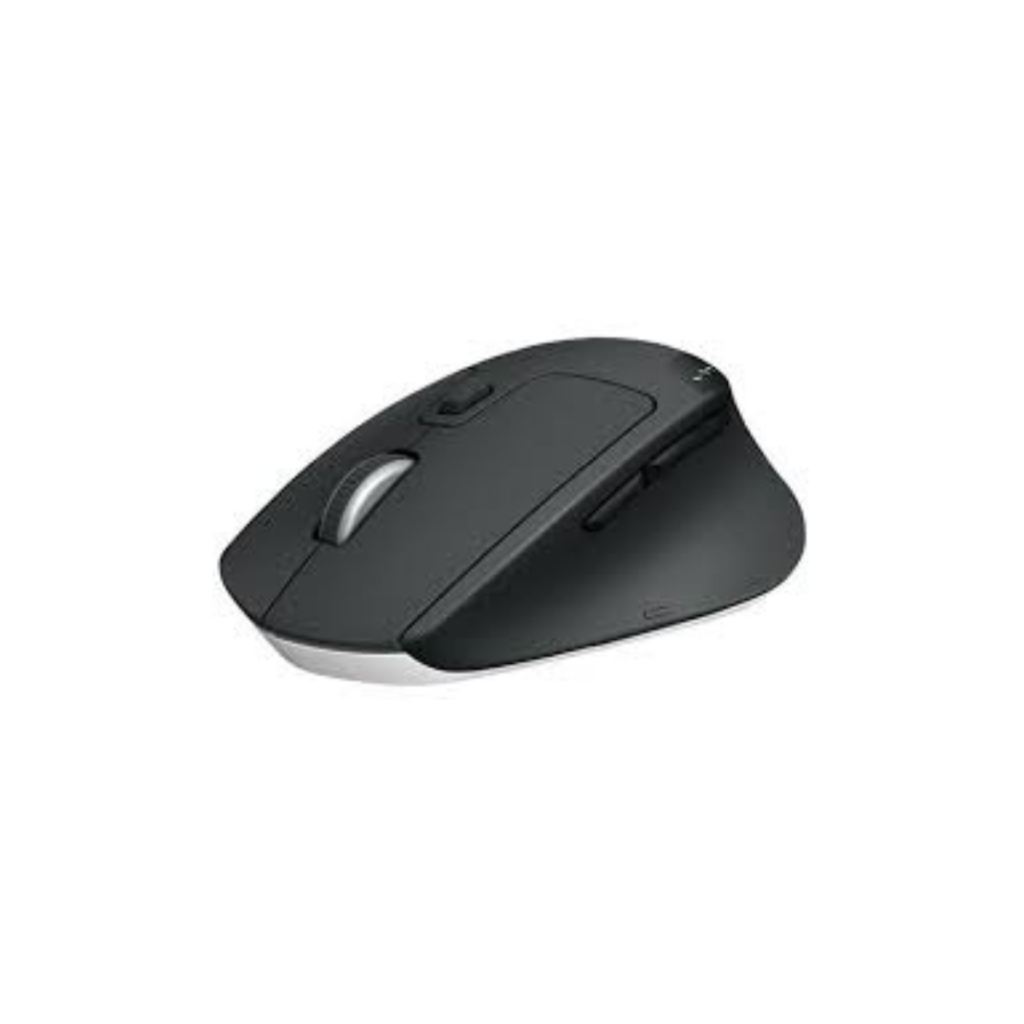
It’s not as refined as higher-end models but it’s comfortable, has long battery life and can switch between multiple devices easily.
Best for: General work, home setups and good performance at a lower price.
Typical price £30 – £65
Price checked March 2026
BEST PREMIUM
Apple Magic Mouse
A minimal option with a clean design and gesture-based controls
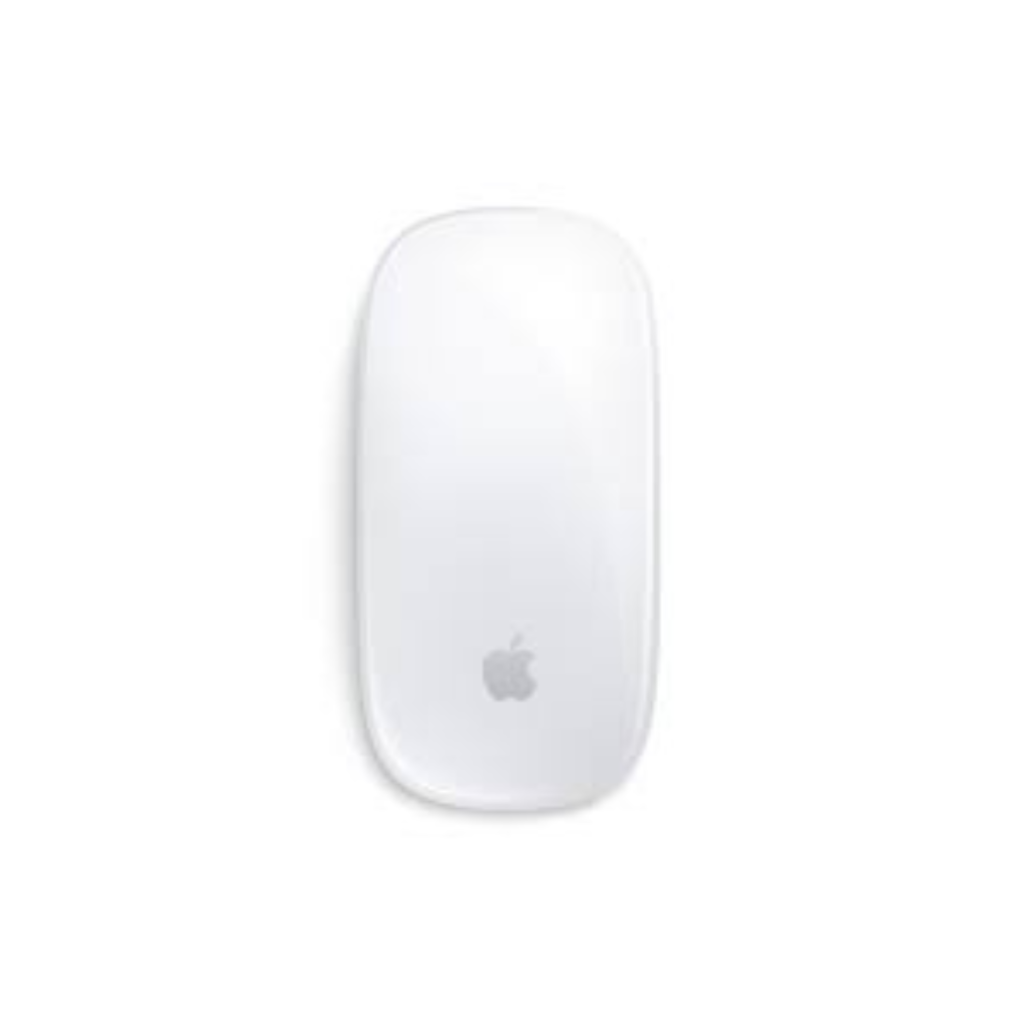
It integrates seamlessly with Apple devices and keeps desk setups simple. While it’s minimal and highly consistent, it’s not designed for everyone — but for many people, it’s a mouse they use for years without issue.
Best for: Apple users who prioritise design and gestures over long-session comfort.
Typical price £70 – £100
Price checked March 2026
ALSO WORTH CONSIDERING
If you want something slightly different,
these are also strong options.
Smaller and more portable than the MX Master but still precise and well-built.
View here →
Why these three?
Wireless mice vary most in comfort, size, and daily usability — especially over long periods of use.
These three represent the clearest choices: all-rounder, value and premium.
In practice, the right mouse is the one that feels natural within minutes and doesn’t cause strain over a full day of use.
Buying advice
Focus on how you’ll use it day to day. For long work sessions, comfort matters more than features.
If you switch between devices, look for simple multi-device switching — it makes a bigger difference day to day than most features.
FAQ
Are expensive mice worth it? Usually the difference is comfort and refinement.
Should I get an ergonomic mouse? Only if you have specific needs.
Do wireless mice have lag? No. Modern mice are reliable.
Can one mouse work with multiple devices? Yes, many support switching.
Is battery life important? Yes, but most last weeks or even months.
The Treeyo view:
A good mouse isn’t about features, it’s about how it feels to use every day.
The best choice is one that’s comfortable, reliable and disappears into your workflow.
This guide may contain affiliate links. We may earn a commission at no extra cost to you.
Popular guides