Best Keyboards for Work (2026)
Three keyboards that are comfortable, reliable
and easy to use for every day work.
These represent the clearest choices:
Best overall, best value, and premium
Best overall – Logitech MX Keys S
Best value – Keychron K3 (Low Profile)
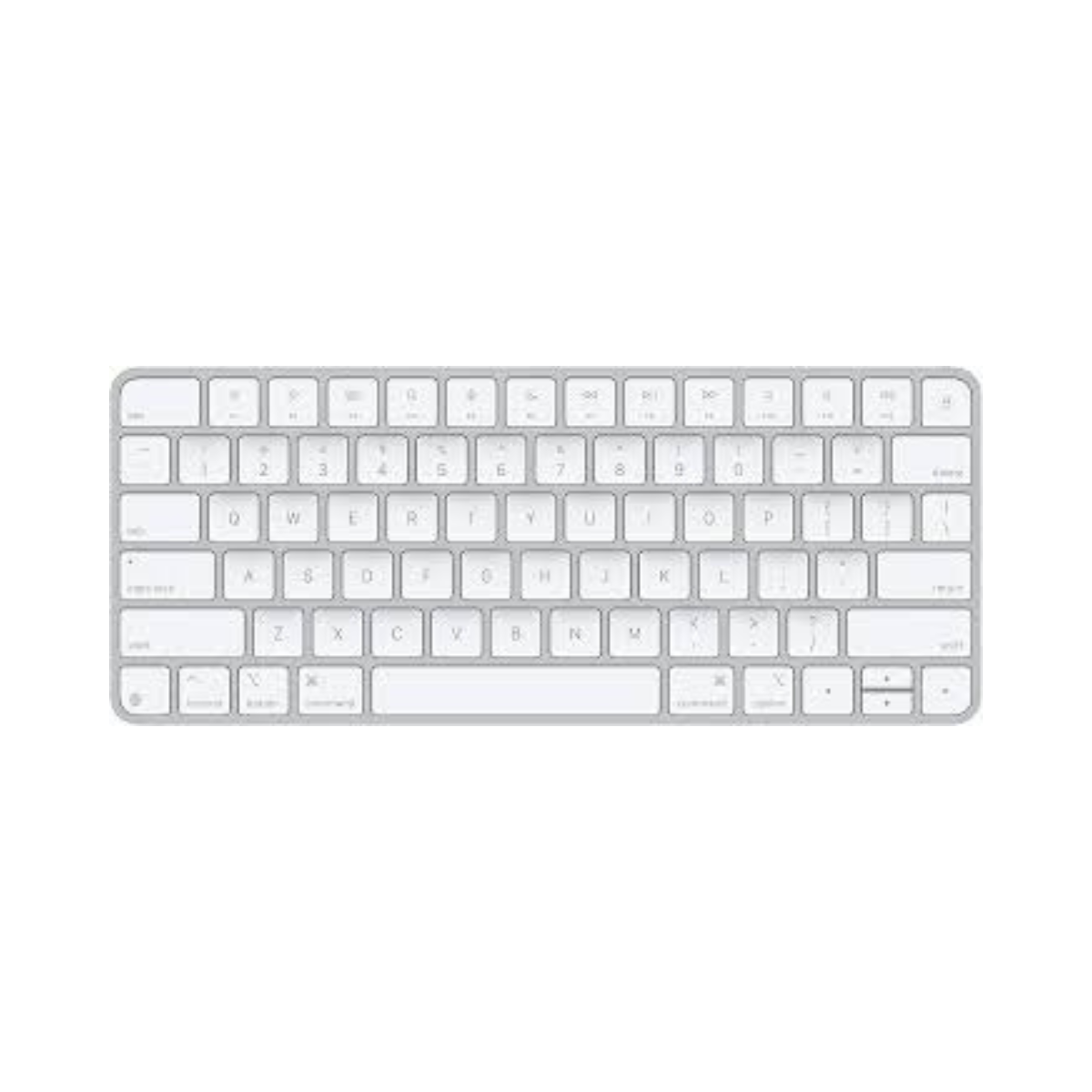
Best premium – Apple Magic Keyboard
Treeyo reviews and updates guides periodically to reflect product changes and long term reliability.
Last reviewed: March 2026
Products considered: 8
Not sure which keyboard is right for you? Read: Do you need a mechanical keyboard?→ A helpful guide.
If you already know what you’re looking for, these are the three keyboards worth considering:
BEST OVERALL
Logitech MX Keys S
A well-balanced keyboard that works consistently across almost every setup.
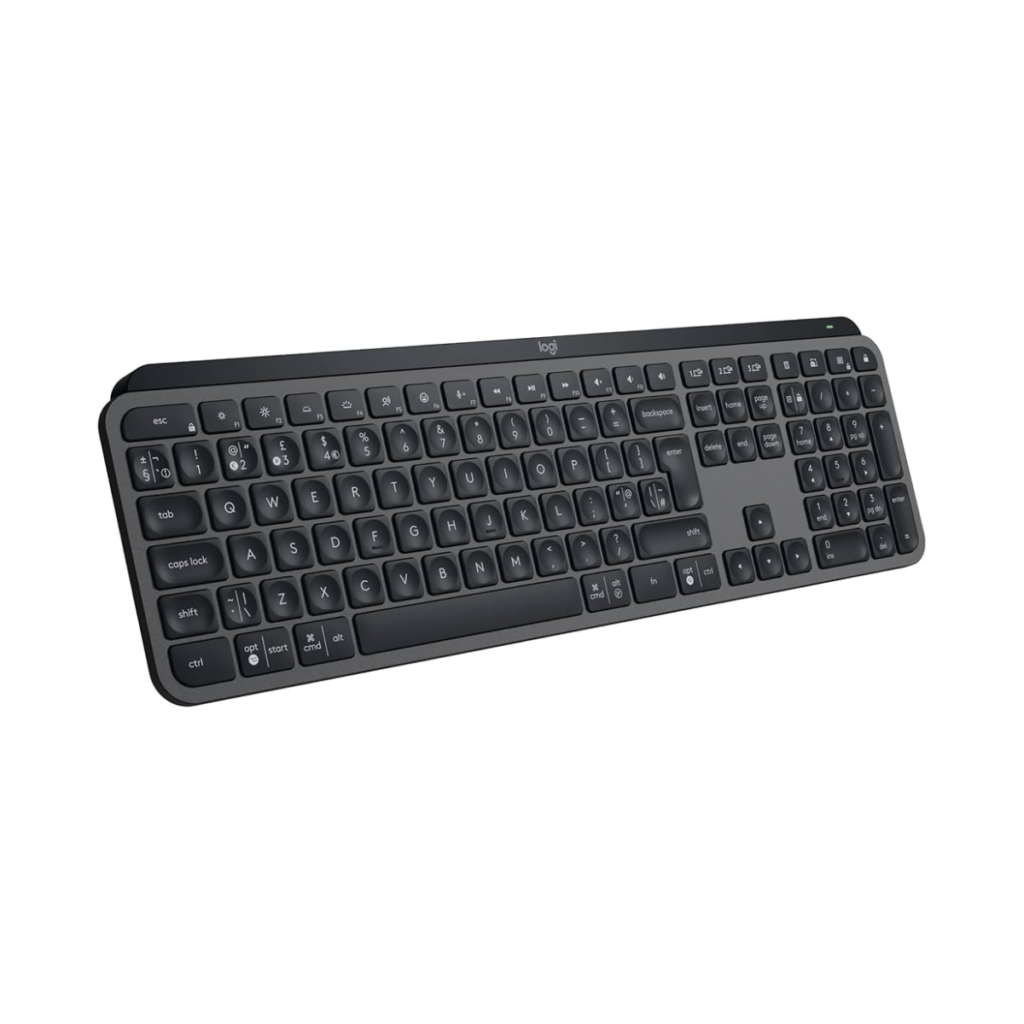
The typing experience is quiet and comfortable, the layout is familiar, and switching between devices is seamless. It’s designed for long work sessions without getting in the way.
Best for: everyday work, multi-device setups, and people who want something that just works.
Typical price £90 – £120
Price checked March 2026
BEST VALUE
Keychron K3 (Low Profile)
A more affordable option that still delivers a satisfying typing experience.
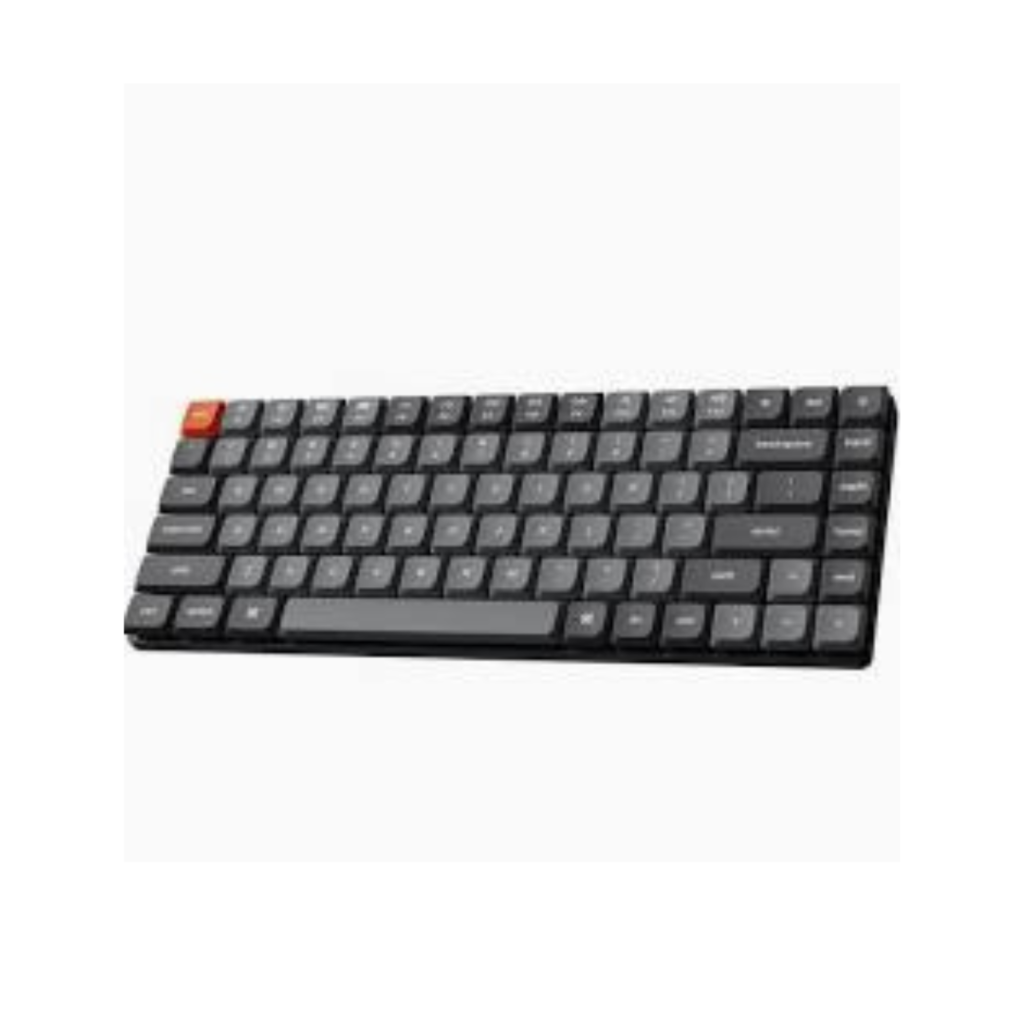
It offers a slimmer design than traditional mechanical keyboards, making it easier to live with day to day, while still feeling more tactile than basic options.
Best for: getting a better typing experience without paying for a premium model.
Typical price £80 – £110
Price checked March 2026
BEST PREMIUM
Apple Magic Keyboard
A refined option with a clean design and precise typing feel.
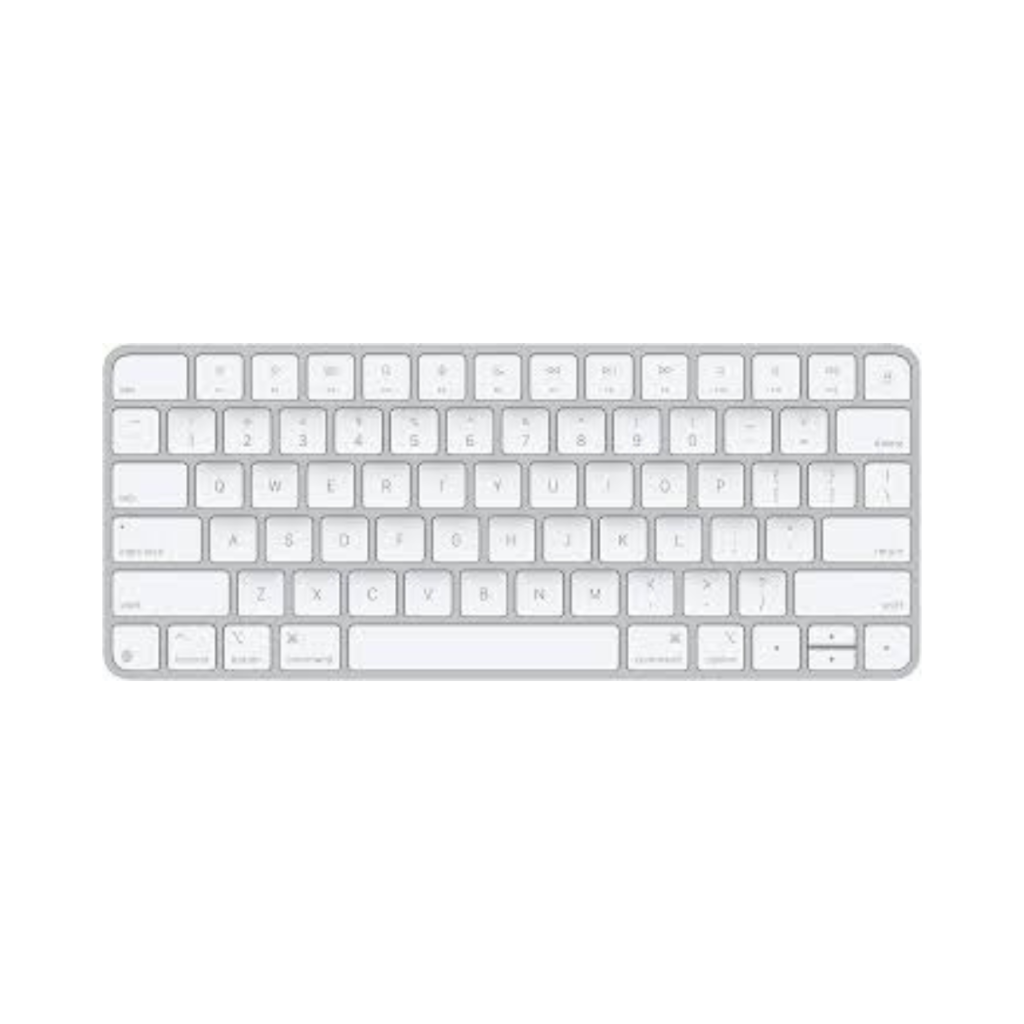
It’s slim, consistent and integrates seamlessly with Apple devices. While it’s simple, the overall experience is polished and reliable.
Best for: Apple users who want a minimal, well-integrated setup.
Typical price £75 – £100
Price checked March 2026
ALSO WORTH CONSIDERING
If you want something slightly different,
these are also strong options.
Compact, simple and very portable. Not as refined as the MX Keys, but a solid alternative if you want something lightweight and affordable.
View here →
Why these three?
Keyboards vary most in comfort, typing feel, and how easy they are to use over long periods. In practice, most people just want something that feels natural straight away and doesn’t get in the way over long days.
These three represent the clearest choices: a dependable all-rounder, a strong value option, and a more refined premium model.
Buying advice
The best keyboard is the one you don’t notice after a few minutes of use. Focus on how and where you’ll use it. For daily work, comfort and consistency matter more than features. If you switch between devices, look for easy connectivity. If you prefer a cleaner setup, a slim keyboard is often easier to live with.
FAQ
Are expensive keyboards worth it? For most people, the difference is in comfort and consistency rather than speed or productivity.
Should I get a mechanical keyboard for work? Not necessarily. Mechanical keyboards can feel better to type on, but many are louder and bulkier.
Are low-profile keyboards better? They’re often easier to use for long periods and feel more familiar, especially if you’re used to laptops.
Can one keyboard work with multiple devices? Yes. Many modern keyboards allow you to switch between devices easily, which is useful for mixed setups
Do keyboards affect productivity? Indirectly. A comfortable, reliable keyboard makes long work sessions easier, but the difference is usually subtle.
The Treeyo view:
A good keyboard isn’t about features, it’s about how it feels with use every day. The best choice is one that’s comfortable, reliable, and disappears into your workflow rather than drawing attention to itself.
This guide may contain affiliate links. We may earn a commission at no extra cost to you.
Popular guides